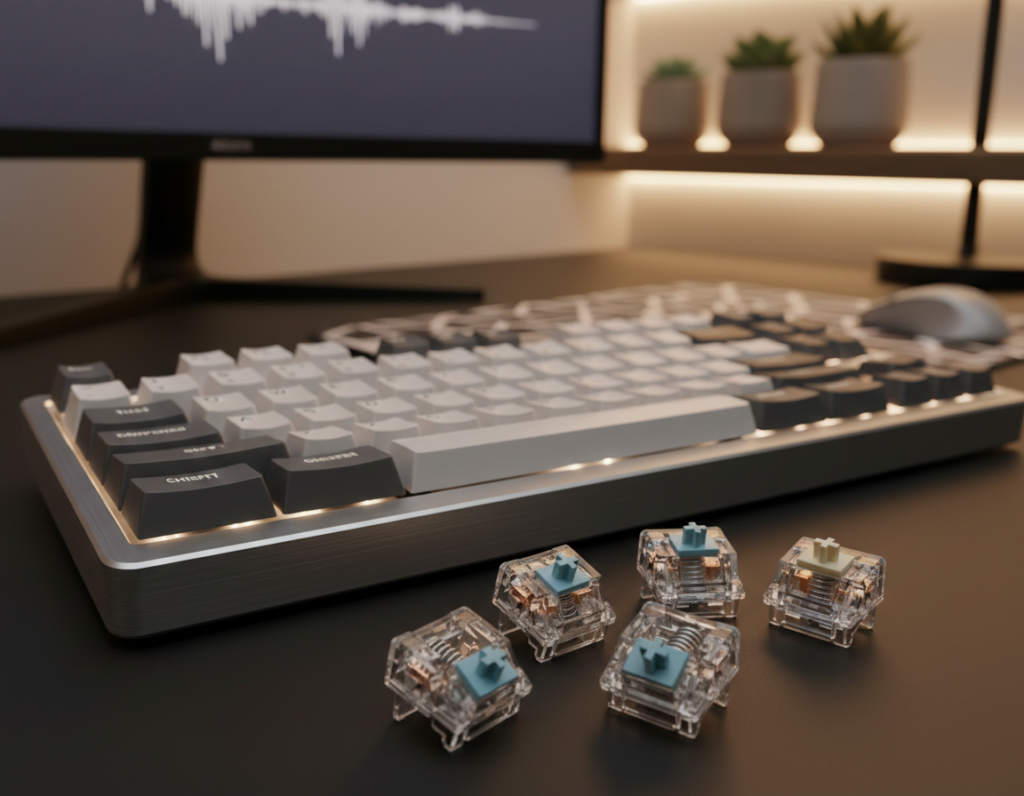
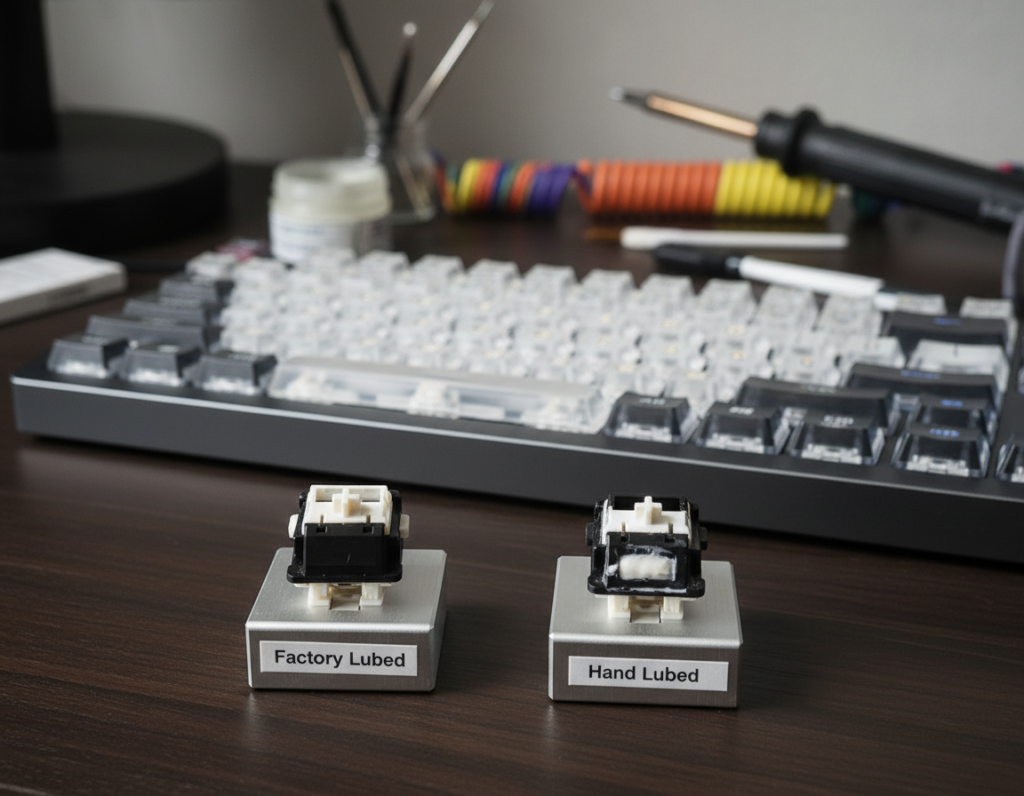
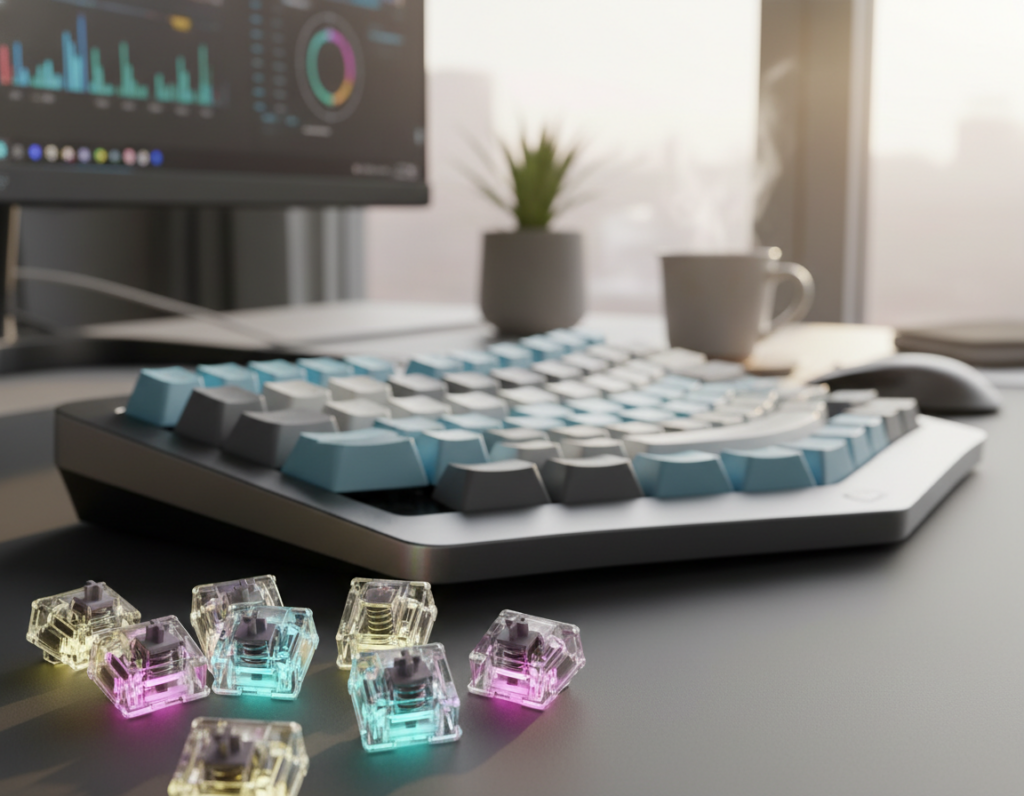
Mechanical keyboards have come a long way since early PCs. When you press a key on a quality board, the tactile feedback gives a clear, satisfying point of contact. This feel helps reduce errors and can speed up typing for long sessions.
Many people prefer different switches because each one changes sound, force, and actuation position. Understanding the anatomy of a tactile switch and the bump it makes is the first step to less finger fatigue. Whether you code, write, or log data, choosing the right parts shapes comfort and productivity.
This article will compare types, noise levels, keystroke speed, and how spring and stem design affect the feel. You’ll learn practical points to match a board to your work style and home or office noise limits.
Understanding the Tactile Switch Feedback Profiles Guide
Not all mechanical parts are built the same; small changes in design shape your typing rhythm. This short section helps you read spec sheets and compare common metrics so you buy with confidence.
What to watch for:
- Actuation force and travel distance — these define how much effort a keypress needs.
- Bump shape and position — a shallow bump favors speed, while a sharper one adds clear points of contact.
- Spring and stem design — they affect feel, noise, and long-term fatigue.
Brands like Cherry and Gateron publish detailed numbers for testing. Look at noise and keystroke speed if you work in an office or use a board for gaming and typing alike.
Following this tactile switch feedback profiles guide reduces guesswork. You’ll avoid buying parts that clash with your hand strength, key travel preferences, or PCB layout.
The Evolution of Mechanical Keyboard Switches
What began as bulky, electromechanical assemblies has become a nuanced craft of tiny parts tuned for speed and sound. The first big leap came when Cherry patented the MX design in 1984. That patent set a standard for durability and a clear actuation point that shaped modern typing and gaming hardware.
The timeline includes real tests and hard lessons. Cherry MX models now tolerate extreme temps from -40ºC to 180ºC, proving how far engineering has come. In 2018, Novelkeys called out Kailh for X-axis tolerance issues, and the industry tightened quality control as a result.
Today’s market offers many options. Makers produce tactile switches for nostalgic clicky ones and ultra-quiet boards for offices. Differences in stem, spring, and housing create unique bump geometry and key travel that change feel, force, and noise.
Understanding this history helps when you pick a mechanical keyboard or set of switches. It explains why some parts cost more, why testing matters, and how small design choices affect every keystroke and your long-term comfort.
Defining the Tactile Experience
How a key responds under your finger defines much of the typing experience.
The Role of the Actuation Point
The actuation point is the exact distance a key travels before the keyboard registers a press. Knowing this point helps you time each keystroke and reduces wasted motion.
In many tactile switches a small bump gives a physical cue that the keypress registered. That bump lets people stop short of bottoming out, which cuts impact and lowers long-term finger strain.
When you press a key, the internal mechanism meets the metal leaf and creates the characteristic resistance. This interaction sets the force and sound you feel and hear during each actuation.
- Match actuation to your typing speed for fewer missed keystrokes.
- Choose a bump that balances comfort and keystroke speed.
- Check spring and stem specs to pair feel with your board and use-case.
“A clear actuation point turns repeated presses into confident typing.”
Choosing the right part comes down to preference: gaming players may favor faster actuation, while writers often pick a pronounced bump for steady, accurate typing.
Comparing Tactile, Linear, and Clicky Switches
Every category of keys offers a distinct mix of force, sound, and motion. Linear switches give a smooth, consistent keystroke with no bump or audible click. Gamers often prefer them for fast, repeatable presses and steady actuation.
Clicky switches add a pronounced bump and a clear click. The audible sound helps some people confirm a keypress, but the noise can be disruptive in shared offices.
Tactile switches sit between those two extremes. They provide a subtle bump and less sound than clicky models. That balance makes them popular for writing, coding, and general productivity.
Choose by environment and goal:
- Linear for high-speed gaming and smooth travel.
- Clicky for audible confirmation and satisfying sound.
- Tactile for accurate typing with moderate noise.
Testing different models is the best way to find what fits your hands. Pay attention to spring weight and stem design; those parts shape force, keystroke speed, and long-term comfort.
Anatomy of a Switch and Its Impact on Feel
Stem shape and geometry set the first impression you feel when a key begins to move. The internal layout of a tactile switch defines how pronounced the bump is and where the actuation point lies.
The Stem Design
The stem design is the main factor that shapes the bump and the way a keypress registers. Different stem profiles shift the actuation position and alter how abrupt the point feels.
Stem changes can speed up typing or add a clearer cue for accuracy. Enthusiasts often swap stems to tailor the feel to gaming or long-form typing.
Spring Weight Dynamics
Spring weight, measured in grams, sets the force needed to press key and the return speed. Lighter springs favor fast keystroke repetition; heavier springs reduce accidental presses.
Modifying the spring is a common way to tune force and speed without changing housing or stem.
Housing Material Influence
Housing materials like polycarbonate, nylon, or POM affect sound and overall resonance. Softer housings damp unwanted clang, while denser plastics emphasize the click and body of the keypress.
Quality metal leaves inside a switch ensure consistent actuation across every key on your keyboard. Precision here matters for long-term uniformity and durability.
- Stem: controls bump shape and actuation position.
- Spring: defines force, return speed, and typing rhythm.
- Housing: shapes sound, feel, and acoustic profile.
“Fine-tuning stem and spring gives people the power to match a keyboard to their typing style.”
Key Technical Characteristics of Switch Performance
Technical specs like actuation and force define how a key behaves under rapid typing. These numbers matter whether you game, code, or write long documents.
Activation distance is critical. High-performance parts such as the Kailh Speed Silver activate at just 1.1mm, giving faster response for quick sequences.
Operating force is measured in centinewtons. For example, the Cherry MX Blue uses about 60cN to register a keypress. That force affects fatigue and error rates during long sessions.
Reset point and repeatability matter for fast double- and triple-taps. Manufacturers test switches for millions of cycles to keep performance consistent over time.
- Activation point: short travel favors speed.
- Force: heavier springs reduce accidental presses.
- Durability: long cycle tests ensure uniform performance.
When you pick parts, consider how tactile feedback and actuation point pair with stem design and housing. Together they shape the bump, sound, and overall typing feel on your keyboard.
Selecting Switches Based on Your Typing Style
How you type and the strength in your fingers determines which components will feel best under your hands. Choose parts that match your body and technique to reduce fatigue and improve accuracy.
Hand Size and Finger Strength
Users with larger hands often benefit from higher operating force. A heavier setting such as 55cN helps prevent accidental presses when palms rest near the board.
Consider:
- Heavier force for bigger hands to avoid false actuations.
- Lighter force if you want fast repetition for gaming or quick typing bursts.
- Stem and spring changes to tune the bump and actuation point to your reach.
Typing Technique
If you are a gentle typist, choose a tactile switch that gives clear tactile feedback before you bottom out. That lets you stop short of full travel and keeps the sound low.
Frequent bottom-out typers can add O-rings to reduce sound and soften the landing. Balance your finger power with the bump and force to keep speed and accuracy high.
Bottom line: Match physical strength, preferred sound, and actuation traits to pick switches that help people type longer with less strain.
The Role of Environment in Switch Selection
Your workspace often dictates whether a loud or quiet option will work best for daily use. In shared offices, the loud click of clicky switches can distract coworkers and draw complaints.
If you work at home in a quiet room, choosing silent tactile switches gives you a clear bump and the needed feedback without upsetting roommates. Test a few types to confirm the actuation point and force match your hands.
The desk surface and a keyboard mat change the final sound profile more than many expect. Hard desks amplify high notes; a mat or foam pad will tame them and make a mid-weight switch sound calmer.
- Consider others in the room before committing to any loud option.
- Try models in your actual workspace to hear real results.
- Balance a pleasant bump and feel with an acceptable noise level for your setting.
“Testing switches where you type reveals the true sound and comfort you’ll live with daily.”
Exploring Popular Tactile Switch Models
Popular tactile models span budget entry points to premium housings that reshape how you press a key. This section sorts common options so you can match a model to your needs.
Beginner to intermediate: The Cherry MX Brown is the most famous tactile switch and serves as a reliable starting point. It offers a modest bump and moderate force, making it a stable choice for general typing and learning how different switches feel.
Categorizing by experience level
For office use, consider the Boba U4. It’s a silent tactile option that keeps noise low while still giving a noticeable bump. That makes it ideal when coworkers are nearby.
Enthusiast-tier models such as Holy Pandas deliver a stronger, more defined bump and a unique actuation point. These are for users who want a premium typing experience and greater control over force and feel.
- Entry: Cherry MX Brown — affordable and balanced.
- Office: Boba U4 — silent and smooth.
- Enthusiast: Holy Panda-style — pronounced bump and tactile richness.
“Whether you seek a budget-friendly option or a premium feel, there is a model to fit your typing style.”
The Advantages of Hot-Swappable Keyboards
A hot-swappable keyboard turns switch experimentation into a quick, no-tools task. You can pull a module and try another in seconds. That makes it easy to compare different tactile switches and find the right bump and force for your hands.
Beginner friendly: For newcomers, this means you can test several models without soldering. It lowers the barrier to learn how different parts affect typing and sound.
Simple maintenance: If one switch fails, replace that single unit instead of sending the whole board for repair. This extends the life of your mechanical keyboard and saves money.
- Swap switches at home to fine-tune feel.
- Test new bump shapes or spring force without commitment.
- Many modern boards, like Keychron Q series, include hot-swap sockets as standard.
“Hot-swap tech gives you freedom to evolve your setup as your needs change.”
Learn more about hot-swap benefits in the hot-swappable keyboard basics.
Customizing Your Typing Experience with Accessories
Small accessories can reshape how your board sounds and how your fingers find keys. Accessories let you tune ergonomics and acoustics without swapping every part. Below are practical ways to refine feel, sound, and reach.
Keycap Material and Profile
PBT vs ABS: PBT caps are denser and give a muted tone, while ABS often sounds brighter. Changing material can soften the impact of a bump and alter perceived force.
Keycap profile matters too. Sculpted rows help your fingers hit the right key faster and reduce reach fatigue during long typing sessions.
Sound Dampening Solutions
Small mods cut noise without killing tactile feedback. O-rings or foam inside the case reduce bottom-out clang and preserve the distinct feel of quality switches.
A desk mat under the keyboard changes the room tone more than most expect. Combine pads, foam, and tailored keycaps to match the look and sonic goals of your build.
- Swap caps to tune tone and finger feel.
- Add foam to soften resonance and lower loud peaks.
- Use O-rings to shorten travel and reduce impact sound.
“Pair high-quality switches with the right accessories to create a comfortable, productive typing setup.”
Conclusion
Choosing the right parts is a personal process that blends comfort, sound, and long-term use. Test a few tactile switches on your desk and note how each one affects your typing and wrist comfort. A good mechanical keyboard will feel like an extension of your hands.
Remember: clear tactile feedback can boost speed and lower errors compared with linear switches or louder clicky switches. Pay attention to the bump and operating force, and try hot-swap options so you can refine the feel over time.
If you code or write daily, pick the setup that makes each keypress deliberate and pleasant. Swap components as needed, and trust your hands — you’ll find a combo that keeps you productive for years.