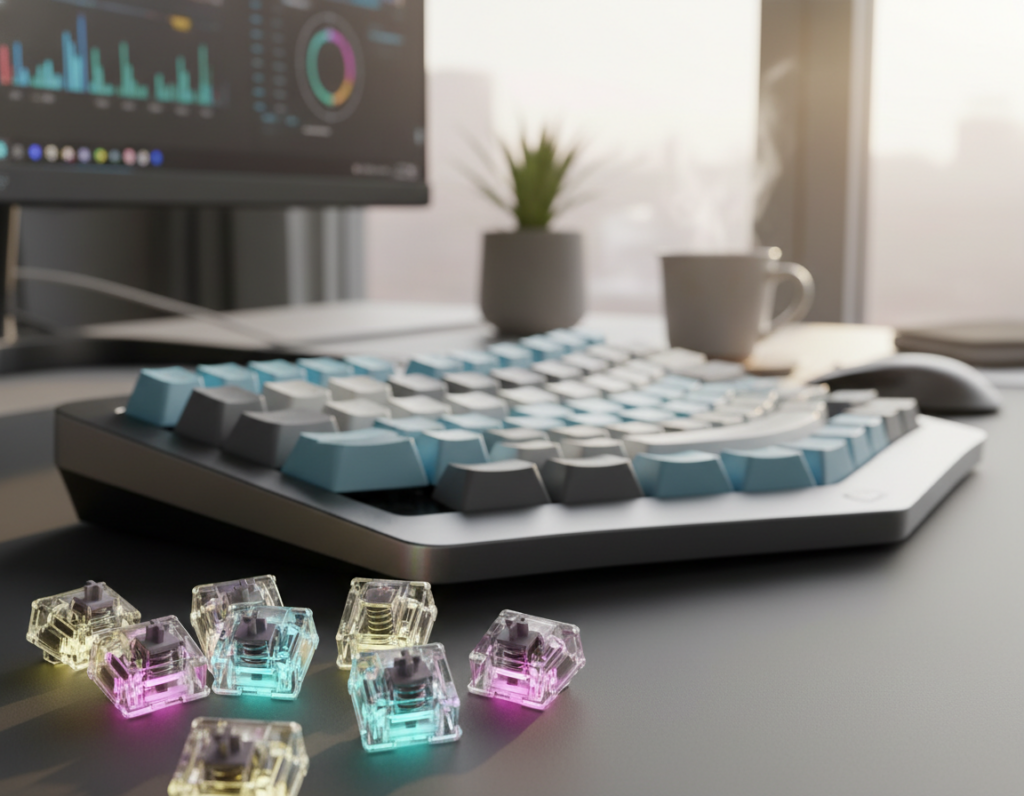
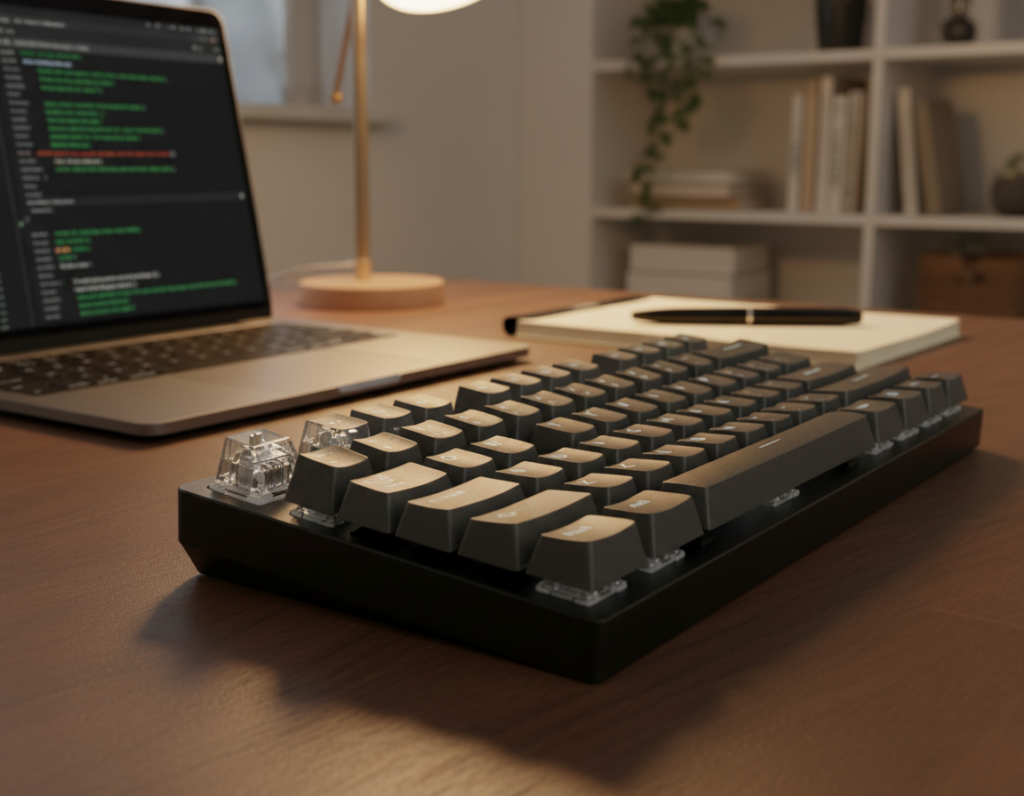
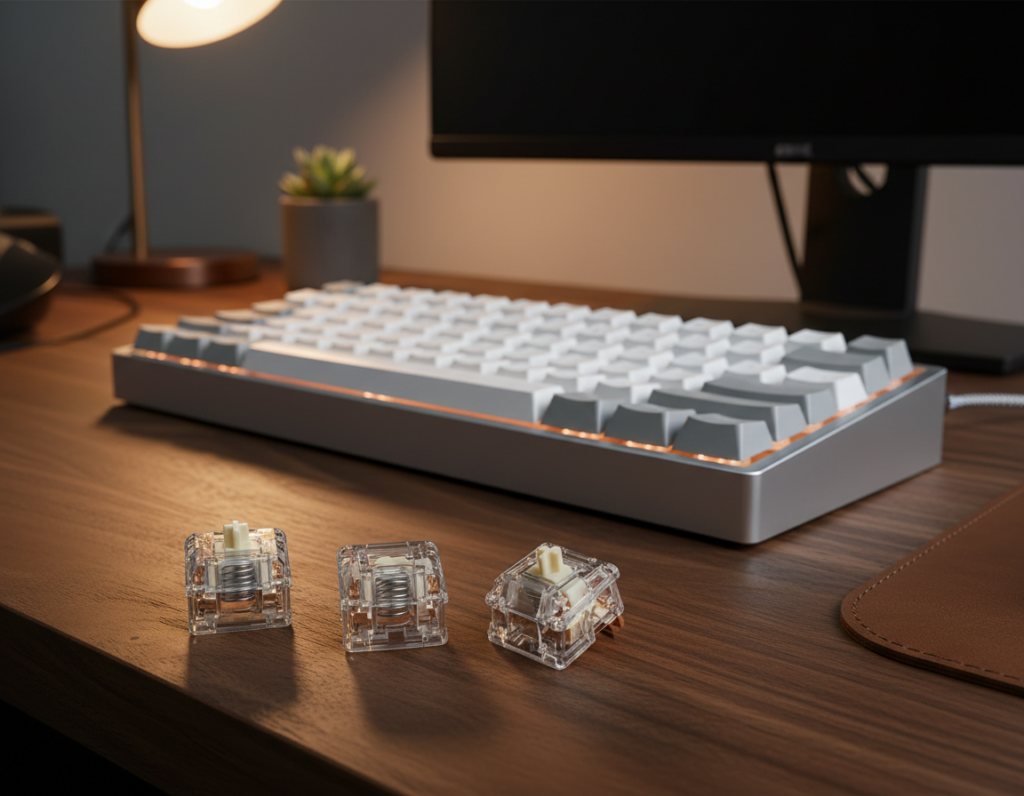
Want a quieter desk for work, streaming, or late-night typing? This US-focused guide lays out what “quiet” really means, with practical decibel figures and real-world factors that change perceived loudness.
Typical low-noise models run around 40–45 dB, compared to standard types at about 60–70 dB. Room acoustics, desk material, and case build can make the same model sound very different.
We’ll walk through the core decision points: linear vs tactile, actuation weight and travel, housing tone, and out-of-box smoothness. These traits shape your typing experience and help you pick the right choice for shared spaces.
Remember: the parts you pair with your switches—case, caps, stabilizers, and desk—are the final levers of noise and sound. Expect clear recommendations from budget to premium, compatibility notes, and simple build tips to keep your setup quiet over time.
Why Silent Switches Matter for a Quiet Mechanical Keyboard Build
Choosing quieter components changes how your desk sounds and how you feel while typing.
Typical noise levels
Quantified: well-damped builds often sit around 40–45 dB, while standard models register near 60–70 dB. That 15–25 dB gap feels much larger than the numbers imply in quiet rooms.
Where the sound comes from
The three main sources are bottom-out impact, top-out return, and hollow case resonance that amplifies vibrations.
Even with dampers, tactile mechanisms, keycap acoustics, and stabilizers add residual sound.
Best US use cases
These quieter parts matter for open-plan offices, shared apartments, dorms, or late-night gaming and streaming where microphones pick up transients.
- Office and shared spaces: reduce distraction and etiquette complaints.
- Streaming and calls: fewer sharp hits on mics.
- Buyer expectations: linear quiet types give the lowest noise; tactile types trade a bit of sound for better feedback.
Bottom line: a quieter build improves focus and perceived performance by cutting repetitive clacks and fatigue.
How Noise-Reducing Switches Work
Noise reduction in modern designs comes from soft materials that absorb impact at both ends of a key’s travel.
Core silencing mechanism: Small dampeners—rubber, silicone, or TPU—compress on press and return. That compression absorbs energy and mutes hard impacts, so bottom-out and top-out produce less sharp sound and less perceived noise.
Silicone, rubber, and TPU dampeners explained
Silicone tends to feel softer and a bit “mushier” at the landing. Rubber gives a warmer, slightly firmer cushion. TPU sits between them, offering a responsive but still damped feel.
Integrated dampening pads vs external O-rings
Integrated pads are built into the design and mute both press and return. External O-rings sit on the keycap stem and mainly cushion bottom-out. O-rings can shorten the effective distance and change actuation feel, while integrated pads keep travel closer to the original distance.
Why factory lubrication reduces scratch and sound
Factory lubrication coats the stem and housing so parts slide cleaner. That reduces scratchy artifacts and high-frequency noise. If off-center presses reveal friction, targeted lube mods can further smooth the stem and lower residual sound—provided your board supports tuning.
- Benefit: Quieter, cleaner acoustic profile.
- Tradeoff: Some dampeners change travel distance and feel.
- Tip: Check actuation distance and modability before buying keyboard switches.
Silent Switch Types and What They Feel Like
How a key moves and signals actuation shapes both the feel and the final sound at your desk.
Silent linear switches are the baseline for maximum quiet. They have smooth, uninterrupted travel and no internal bump to cause extra noise. That lack of tactile mechanism keeps high‑frequency artifacts low, so the main remaining sound is the bottom‑out impact.
Silent tactile options and their feel
Silent tactile types keep a small tactile bump to confirm actuation. The bump gives sharper feedback and can slightly raise perceived noise because the bump creates a small transient at actuation.
Why clicky designs don’t fit quiet builds
Clicky designs use a purpose-built audible mechanism. That mechanism produces a clear, deliberate click that remains loud even with dampening. If low room noise or mics matter, avoid clicky types entirely.
- Heuristic: choose linear switches for shared rooms and streaming; pick tactile for accuracy where feedback matters.
- Travel & bump: longer travel or a sharper tactile bump can change how smooth and loud each press feels.
- Preview: the next section will show how actuation force, travel length, and housing shape the final sound and typing experience.
Silent Mechanical Keyboard Switch Options: How to Choose the Right One
Start with where you’ll use the board: an office or a home studio calls for different tradeoffs. Pick a priority—maximum quiet for shared rooms or stronger feedback for accuracy—and narrow by weight, travel, and tuning needs.
Actuation force and fatigue: Lighter springs (around 40–45g) feel effortless and speed up typing and gaming, but they raise the risk of accidental presses. Heavier force (60–67g) reduces mistakes and feels more deliberate, which can cut long‑session fatigue for some users.
Pre-travel and total travel: Shorter pre-travel feels snappier and can reduce impact energy, lowering overall sound. Longer travel cushions presses and can soften the perceived hit when paired with dampening.
Housing material and pitch: Nylon tends to produce a lower, more muted tone. Polycarbonate usually rings brighter and more plastic-like. Use this rule of thumb when matching housing to your case and mount style.
Factory-lubed vs hand-lubed: Factory lube often yields smoother feel out of the box, but consistency varies by brand and batch. Hand-lubing is worth it when you notice scratch or want a silkier feel; skip it if the parts are already smooth or you prefer hot-swap convenience.
When in doubt, try a tester set and align your choice with the keyboard’s mounting and case to match expectations. For a deeper buyer guide, see this quiet switch primer.
Best Budget Silent Linear Switch: Akko Fairy Silent
For US buyers who want quiet performance without a big price tag, the Akko Fairy Silent balances cost, feel, and compatibility.
Key specs to check:
- PA top/bottom housing, POM stem
- Operating force: 50gf ± 5gf; pre-travel 2.0 ± 0.3mm; total travel 3.3mm
- 5-pin mount and factory lubed out of the box
- Silicone on stem rails for added damping
The sound profile is muted and fuller, leaning toward a lower-pitched nylon/PA tone. That warmer character reduces sharp highs and helps the board blend into office and apartment environments.
The feel favors a soft bottom-out thanks to silicone rails and a relatively short travel. Typing experience is responsive for daily work, with modest force that suits long sessions.
Stock smoothness: Factory lubrication is clean and usable right away. Expect only minor scratch compared with premium linear choices, but few users must mod these for quiet office use.
Who this is for: Students, remote workers, and anyone building an affordable office-friendly board. At roughly $0.31 per piece, it’s a budget-focused pick that prioritizes low noise and easy compatibility.
Best Budget Silent Tactile Switch: Akko Penguin
A compact, budget-minded tactile option gives clear bumps while keeping most impact noise low. The Akko Penguin is aimed at typists who want feel over total silence but still need a quiet desk.
Key specs at a glance
- Housing: PA top/bottom with POM stem, factory lubed out of the box.
- Force: operating 50 ± 5gf, bottom force ~65gf; pre-travel 2.0 ± 0.3mm, total travel 3.3mm.
- Mount: 5-pin for common hot-swap PCBs; silicone on stem rails for softer landing.
Feel and sound
The Penguin uses a sharp P-shaped tactile bump that feels snappy but controlled. Dampening keeps bottom-out soft so typing stays comfortable in long sessions.
The overall sound is quieter than typical tactiles, though the tactile feedback will add a subtle transient during actuation that linear users may not hear.
Tuning tip
If you notice light scratch from the box, a quick hand-lube on the rails smooths movement without changing the bump character. For budget builds that need clear feedback, these switches are a practical path to quiet tactility.
Ultra-Quiet Silent Linear Pick: TTC Silent Frozen V2
The TTC Frozen V2 is an ultra-quiet linear candidate designed around multi-layer damping to keep impact noise extremely low.
Key specs: PC top and bottom housing with a POM stem, actuation force at 39g and bottom-out near 43g, pre-travel 2.0mm and total travel 3.5mm, 5‑pin mount and factory lubed.
Why it behaves so quietly
The design pairs an internal dampening pad with a silicone ring that cushions top‑out. This layered approach mutes both the return and the landing, so overall sound stays low even during fast sequences.
How the light actuation changes use
At 39g actuation, inputs feel fast and require little force. That helps gaming responsiveness and reduces finger fatigue during long typing sessions.
Housing tone and real-world notes
PC housing usually rings a bit brighter than nylon, but the dampening in this model controls pitch and keeps the profile clean.
One practical caveat: some units show slight off‑center scratch on the stem. In real use most users do not notice it during normal typing and gaming.
- Design wins: layered dampening for consistent low noise.
- Performance: lightweight actuation for speed and comfort.
- Decision note: ideal for streamers, shared rooms, and anyone after top quiet without a mushy feel.
Silent Tactile for a Membrane-Like Quiet Office Build: TTC Bluish White Silent V2
If you want tactile feedback but need an office-friendly profile, the TTC Bluish White Silent V2 delivers muted, membrane-like keypresses with a rounded bump.
Key specs
Housing: PC top, PA66 bottom. Stem: POM. Force: 42±10gf. Travel: pre-travel 2.0±0.4mm, total 3.5±0.4mm. 5-pin, factory lubed.
Tactile feel
The bump is rounded rather than sharp, so light typists get gentle confirmation without a harsh hit. That design keeps tactile feedback subtle and consistent across keys.
Sound performance
Layered damping—bottom pad plus a silicone ring—quiets both top and bottom. The resulting sound and noise profile is very close to a standard office membrane keyboard, making it ideal for shared spaces.
Tuning tip
If you notice off-center scratch, a careful hand lubrication on the stem rails cleans up movement and improves the overall sound. This one mod often brings an even cleaner, quieter feel.
- Who should buy: US office workers and shared-space users who want tactile confirmation without loud actuation.
- Why it stands out: membrane-like quiet with true tactile consistency and mod potential.
Value Silent Tactile Option: Outemu Cream Yellow
Outemu Cream Yellow is a clear value pick for buyers who want tactile confirmation with a subdued acoustic profile. It targets shared spaces where a crisp actuation moment matters but loud clacks do not.
Key specs
Nylon top and bottom housing with a POM stem. Actuation force sits near 45g with total travel of 3.3mm. Pre-travel is roughly 2.0mm. Units are 5-pin and come factory lubed for out-of-box smoothness.
Feel and feedback
The tactile bump sits near the top of the press, giving a crisp actuation that helps reduce typos during work or study. That bump provides reliable feedback without demanding heavy force, improving the overall typing experience on budget builds.
Sound profile
Users describe the acoustic signature as “creamy” — controlled, rounded, and friendly to open offices. The higher bottom-out prevents harsh impacts and keeps residual noise low.
“Cream Yellow nails tactile clarity with a muted sound that fits shared rooms.”
- Value-focused tactile: clear actuation, modest price.
- Nylon housing = more muted tone; POM stem = consistent travel.
- Choose it when you want tactile confirmation and a quiet, budget-friendly path to a better typing experience.
Premium Silent Linear Switches to Consider in 2026
Premium linear designs focus on tighter tolerances and durable damping for a cleaner, longer-lasting sound.
Cherry MX Silent Red
Cherry MX Silent Red serves as the reference mid‑range pick. It runs near ~45 dB and uses integrated dampening to reduce both top‑out and bottom‑out impact.
This model is trusted for reliability and steady long‑term performance, making it a safe buy for office and gaming setups.
Gateron Silent Red vs Silent Black
Gateron’s two colors share the same damping design but differ in spring weight. The Red version is lighter and faster for gaming, while the Black has more force to cut accidental presses.
ZealPC Healios
ZealPC Healios is the premium smoothness pick. It pairs stronger springs with specialized silencers and solid factory lubrication for out‑of‑box refinement.
- What premium buys you: tighter tolerances, smoother travel, and consistent dampening.
- Pick by desired weight and actuation force—lighters for speed, heavier for accuracy.
- If you want set‑and‑forget refinement, prioritize factory‑finished premium parts.
Premium Silent Tactile Switches for Tactile Feedback Without the Noise
Top-tier tactile parts focus on refined bump shape and layered damping to cut unwanted sound. They give clear confirmation while muting top-out and bottom-out impacts, so you keep tactile feedback without loud hits.
Gazzew Boba U4
Why it stands out: gazzew boba U4 is widely praised as a benchmark quiet tactile. Its silicone dampeners absorb both return and landing energy, so the bump feels present but very muted.
Typing note: many typists pick this for a balanced bump that stays clean across long sessions. The actuation force is tuned to offer clear feedback without heavy fatigue.
ZealPC Zilents
Why consider them: ZealPC Zilents deliver premium tactile bumps with engineered dampened strokes. They aim for a refined, consistent feel and reduce high-frequency artifacts that make keypresses pop on microphones.
These are for buyers who want a sharper tactile character that still stays polite in shared spaces.
Aliaz Silent
What it offers: Aliaz Silent uses rubber elements to lean quieter while preserving tactile response. The bump is softer and more rounded, which suits users who prefer a muted, less aggressive feedback.
- Quick pick: choose gazzew boba for the widely praised quiet tactility.
- Choose Zilents for premium tactile character and dampened stroke choices.
- Pick Aliaz if you want a quieter-leaning, balanced feel with softer bumps.
Low-Profile Silent Switches for Slim Keyboards
Low-profile parts shorten total travel to roughly 3.0mm, creating a faster, more laptop-like feel that suits slim cases and portable boards.
How reduced travel changes the feel
Shorter travel and altered stem geometry make each press feel more immediate. Actuation comes with less distance, so responses feel quicker for typing and gaming.
Who benefits most
Choose low-profile if you want a thin typing angle, easier transport, or a lower wrist height while keeping a mechanical-like response.
Popular low-profile options to compare
- Keychron low-profile — widely available and laptop-friendly.
- Kailh Deep Sea Silent Mini — compact design with integrated damping.
- Gateron KS‑33 low-profile — lightweight actuation for fast play.
Important compatibility warning
Low-profile parts require a matching plate, PCB, and keycap profile. Confirm your exact model supports the form factor before buying to avoid misfit stems or pin layouts.
Shopping tip: Check the manufacturer’s spec sheet for supported switch formats and actuation distance to ensure a correct fit and expected sound profile.
Compatibility Checklist Before You Buy Switches
A quick compatibility check can save hours of work and a pile of ill-fitting parts.
Hot-swap vs soldered: Hot-swap keyboards let you pop parts in and out without tools, so testing different sets is fast and low risk. Soldered boards need desoldering gear and add time and chance of PCB damage.
PCB pin count: Confirm 3-pin or 5-pin fitment. Many modern silent designs are 5-pin, and some hot-swap PCBs accept 5-pin parts even if you only use two pins for mechanical retention.
Keycap fit: Most keycaps use MX-style stems, but low-profile and some vendor-specific stems can block compatibility. Double-check your cap profile and stem type before ordering a full set.
How many to buy: Typical counts are ≈61 for 60%, ≈87 for TKL, and 104+ for full-size. Order a few extras for spares and broken keys.
- Verify plate/PCB support and any manufacturer notes.
- Match stem type and pin layout to avoid returns.
- Keep a small spare pack for future repairs.
For a quick reference, save this compatibility checklist to your build notes before checkout to ensure the final choice meets your expected performance.
How to Build a Silent Mechanical Keyboard Beyond the Switches
Sound control is a system problem: caps, plate, foam, and the desk all add or remove noise. Even top-rated parts won’t reach peak performance if the case rings or stabilizers rattle.
Keycap choices matter
Thick PBT keycaps damp and deepen the sound. They lower highs and give firmer feedback for typing.
Thinner ABS caps tend to sound sharper and louder on impact.
Case dampening and mats
Layering foam or a silicone mat inside the case reduces hollow resonance. A simple foam sheet under the plate often yields a big drop in perceived sound.
Stabilizer tuning
Lube stabilizers to cut rattle on the spacebar and large modifiers. Properly clipped and lubed stabilizers remove one of the biggest noise sources after switches.
Desk setup
A thick desk mat reduces vibration transfer and room echo. This small change helps keyboards sound much quieter in apartments and small rooms.
- Quick win: foam + PBT + lubed stabilizers = noticeable noise reduction.
- Budget tip: these mods often cost less than premium parts and deliver fast results.
- Learn more: see this build guide for step-by-step help.
Installation and Maintenance for Long-Term Quiet Performance
Basic tools and small habits make a huge difference in long-term performance and noise control.
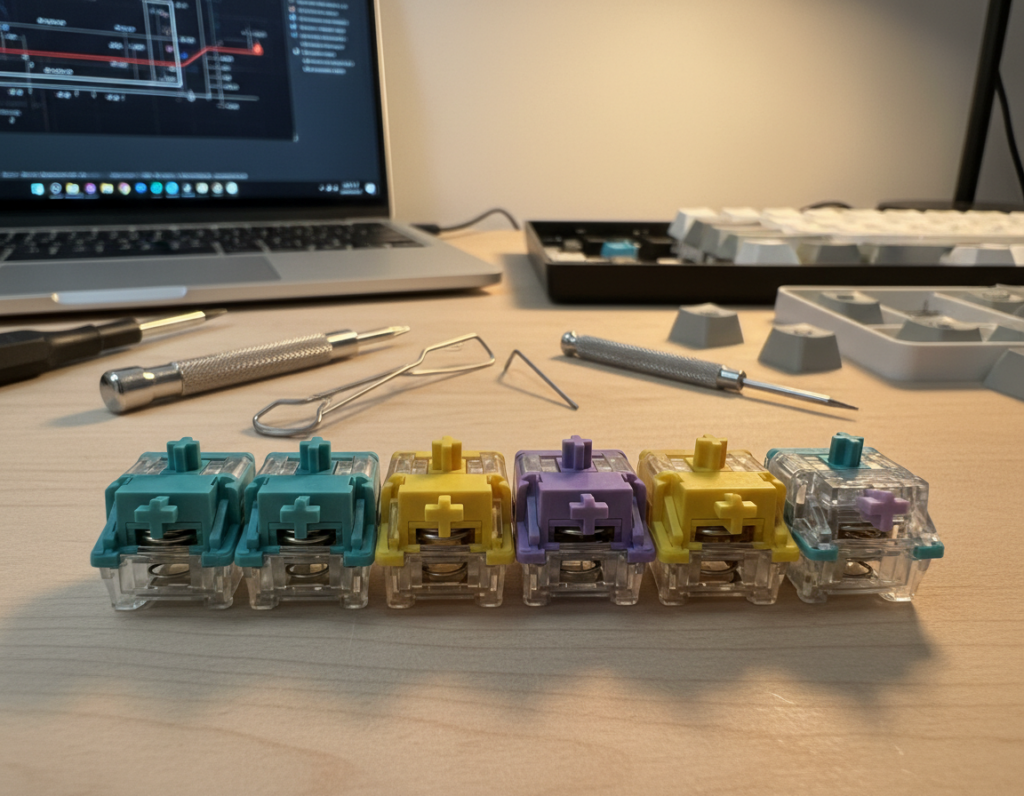
Tools to keep on hand
Hot-swap basics: keycap puller and a switch puller are must-haves for testing and swaps. They let you swap switches fast without soldering.
Soldered boards: add a soldering iron, desoldering pump, and flux for safe removal and reinstallation of parts.
Lubrication essentials
Apply lube sparingly to stem rails and contact surfaces to reduce friction and scratch. Use purpose-made lubricants and follow manufacturer notes to avoid changing actuation or force.
Avoid heavy coats that slow return or create sluggish feel; thin, even layers usually give the best balance of performance and lower sound.
Cleaning cadence and part care
Blow out debris with compressed air every 3–6 months. Keep caps and plate clear to prevent grit that raises noise and scratch.
Replace worn springs, torn dampeners, or parts that show inconsistent actuation. Signs to watch: rattles, spring ping, or keys that don’t return smoothly.
Why upkeep matters
Routine care preserves a clean typing experience and protects your initial factory feel out of the box. Good maintenance keeps switches quiet and extends overall performance for years.
Conclusion
Decide first whether absolute hush or clear feedback matters more to you.
Key takeaway: pick silent switches with linear action for the lowest sound (~40–45 dB), or choose a tactile variant when feedback improves your typing or gaming experience with only a small noise tradeoff.
Prioritize actuation force, travel, housing tone, and factory smoothness when you compare mechanical keyboard and mechanical switches. Also confirm hot-swap/PCB pin support and order spares or a tester set before committing.
Quick picks to act on: the budget Akko Fairy Silent and the ultra-quiet TTC Frozen V2 cover most needs; consider premium brands if you want long-term refinement. Treat the build as a system—caps, stabilizers, case foam, and desk setup all shape final sound and feel.