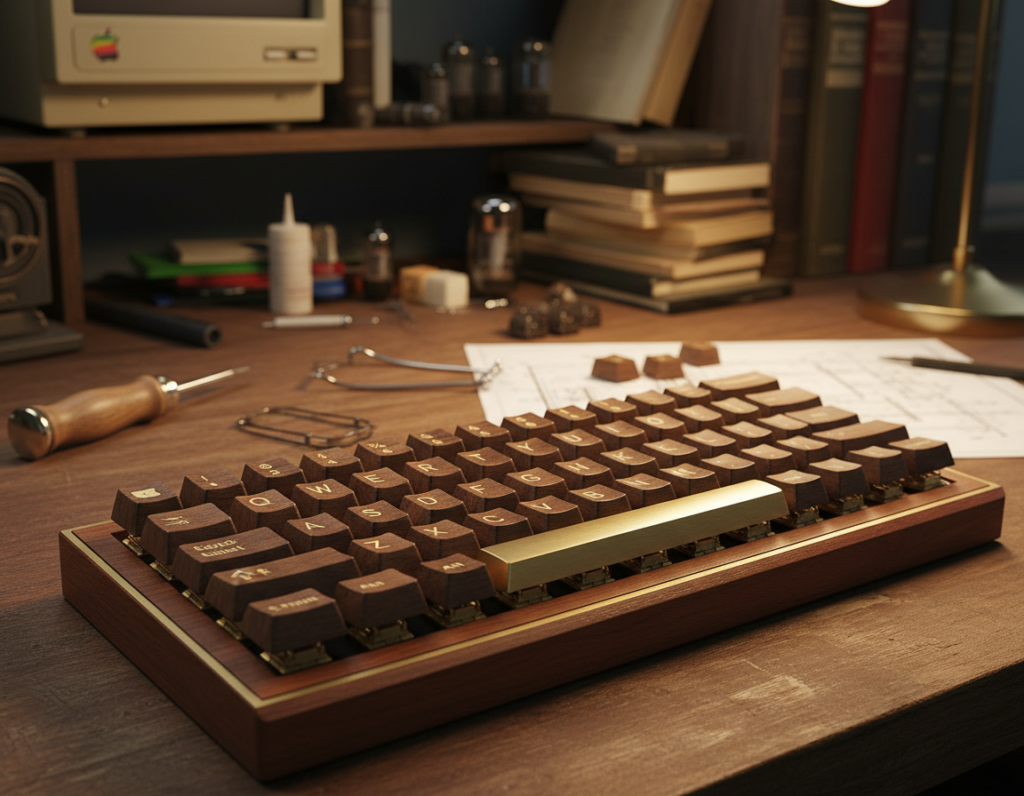
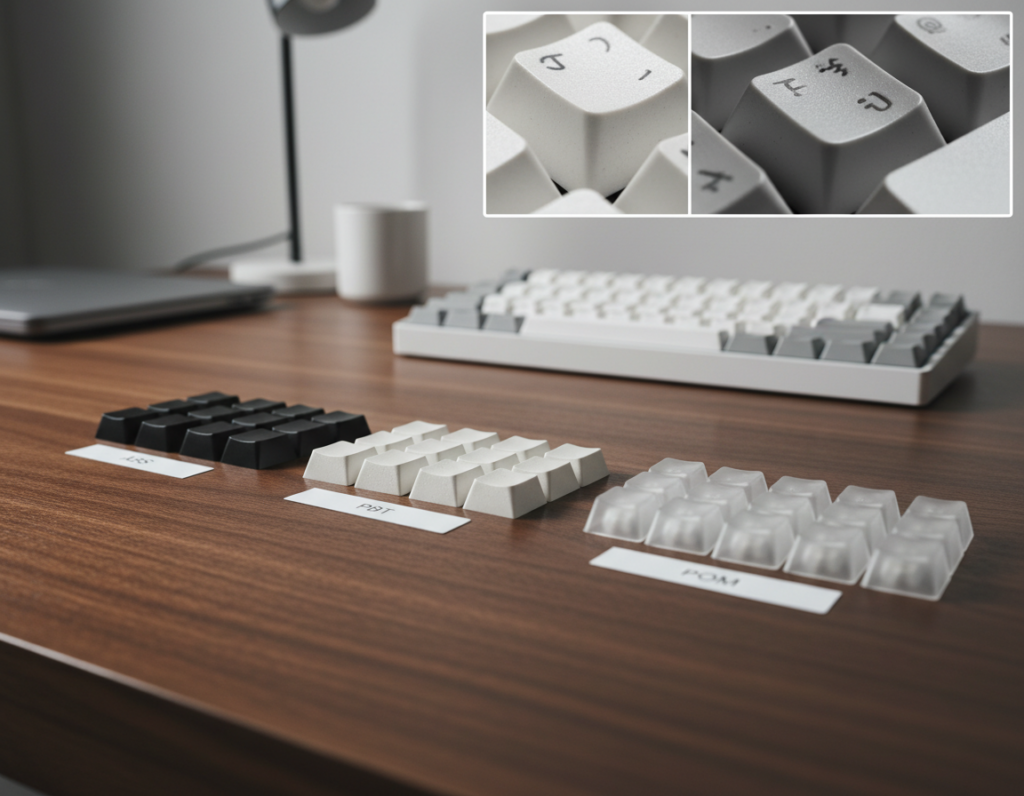
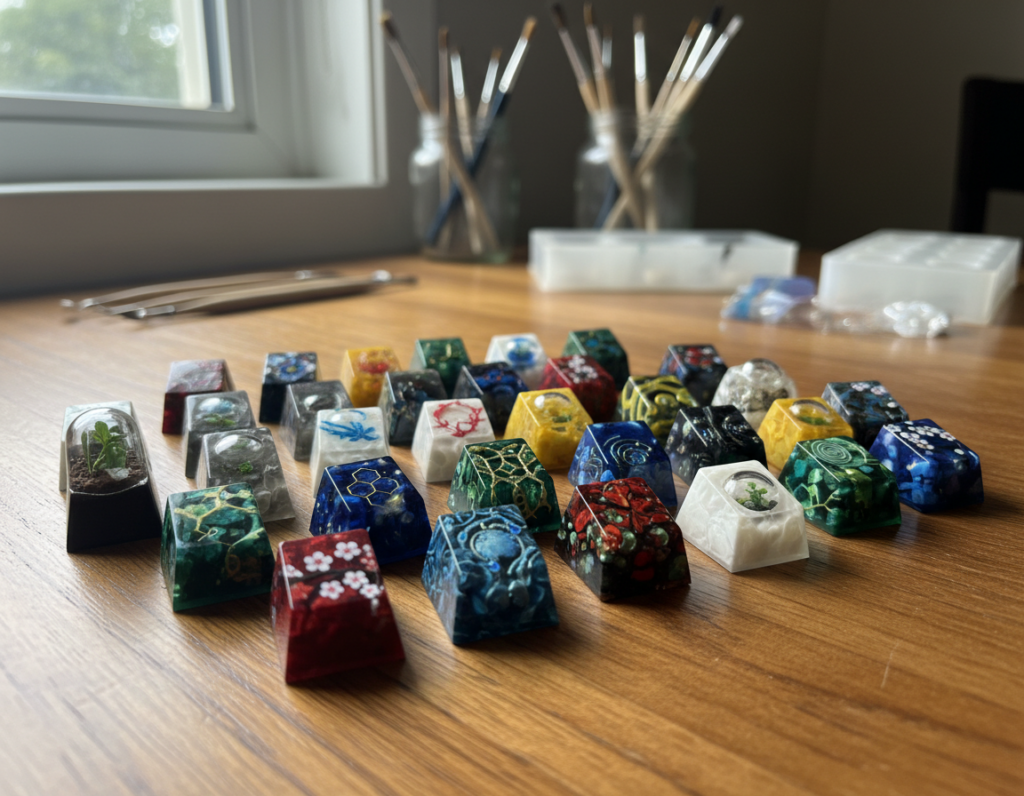
Vintage mechanical designs marry old-school charm with modern switches to create striking work stations. In 2026, a nostalgic desk means a cohesive look built around a statement keyboard, matched accessories, and tidy cable choices.
These keyboards deliver the click and feel of modern mechanical keyboards while leaning on muted colorways and terminal-like key profiles. The result is a practical piece that lifts any home office or gaming desk without losing performance.
Expect clear examples by desktop style, a shortlist of ready-made picks, and a short how-to for swapping keycaps and switches. This guide helps U.S. readers pick by need—typing, gaming, or space limits—while keeping the vintage vibe consistent across keyboards and accessories.
Practical first steps: buy a ready unit or build around a set of keycaps. Either path gives you a realistic, buildable look you can start using today.
Why Retro Mechanical Keyboards Are Trending for Desk Aesthetics Right Now
A growing number of desks favor designs that pair classic looks with modern mechanical parts for a timeless, usable result.
Nostalgic design with modern mechanical performance
These boards combine muted palettes and boxy silhouettes with current tech under the keycaps. That mix keeps the classic keyboard vibe while delivering the build quality users expect.
Why gamers and typists both love the click and feel
Gamers prize tactile feedback, consistent actuation, and the focused audio profile that makes each press feel deliberate. Writers and coders value the same rhythm for accuracy and comfort.
Durability and longevity for everyday computing
Mechanical switches last for millions of presses, so the vintage look is practical, not just decorative. That durability explains why these mechanical keyboards hold appeal for years.
- Balanced features: modern stabilizers and smoother travel.
- Variety: quiet terminal tones to louder statement boards.
- Practicality: performance and style that suit both gaming and daily computing.
Retro Themed Keyboard Setup Inspiration for Every Desktop Style
Match your desk’s mood to a clear aesthetic framework so each choice—from case color to cable ties—feels intentional.
Terminal-inspired beige setups with classic keycap colors
Choose a beige case and pair it with muted color blocks on the keycaps for a restrained, timeless look. Use a low-profile wrist rest and warm desk mat to keep the layout clean and comfortable.
Typewriter-chic desks with round keys and vintage accents
Round-key designs pair well with wooden pen trays and leather accessories. Add a supportive wrist rest so the style stays functional, not just decorative.
CRT and console throwback battlestations for gaming
Echo classic gaming with colored accent keys, vintage posters, and era-accurate desk decor. Keep modern connectivity like wireless or USB-C for reliable play without sacrificing the look.
Space-saving retro vibes with compact layouts
Pick compact layouts (65% or 96%) to preserve the vintage aesthetic while freeing room for mouse movement, notebooks, or controllers.
Modern tech, old-school look with clean cable and accessory choices
Simple cable discipline, matching accessories, and subtle wireless options keep the keyboard the focal point. Small swaps—new keycaps or a different wrist rest—often change the whole look more than replacing the board.
Ready-Made Retro Keyboard Designs Worth Building a Setup Around
A single well-chosen product can define the look and feel of your whole workspace.
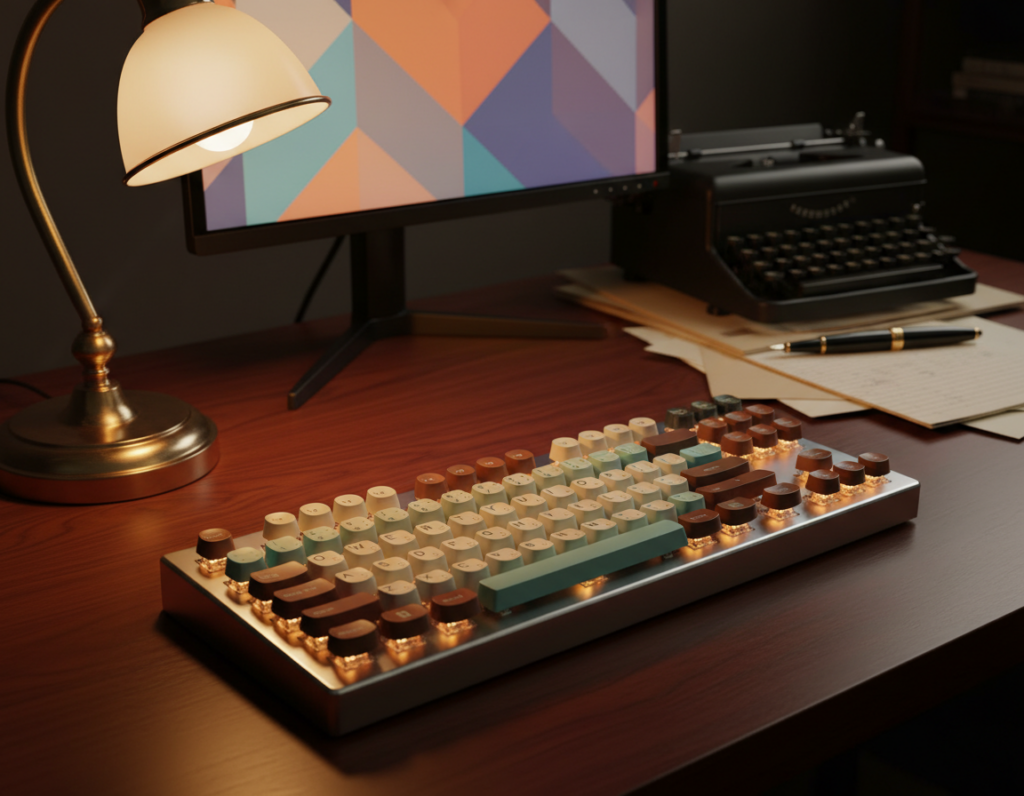
Leopold FC900RBT — a staple mechanical keyboard for classic styling. It pairs clean beige or gray cases with a reliable build, ideal for a minimal desk that values feel over flash.
Epomaker RT100 — modern-meets-vintage with 2.4GHz wireless via dongle and a customizable CRT-style LCD. Great for gamers who want period looks plus solid wireless performance.
Epomaker CIDOO V65 — a 65% layout in an all-metal beige case. Pick this if you want a smaller board that still reads convincingly old-school.
Durgod Fusion — NES-inspired accents for gaming battlestations. Use it when console nostalgia drives your desk theme.
Qwerkywriter S, Azio Retro Classic and Azio Retro — typewriter-style choices. Qwerkywriter S adds Bluetooth connectivity; the Azio pair offers two price-point options for that typewriter vibe.
Unicomp Model M — for true ibm model authenticity and buckling-spring sound. Enthusiasts chase this product for the tactile legacy.
Realforce R2 & Happy Hacking Keyboard — premium electrocapacitive feel for readers who prioritize comfort and long-term use.
iQuinix F96 & A80 — bold case and keycaps design for standout desks. Check reviews and product features to match daily needs, or visit a sample page for more options and expert advice.
How to Transform Your Current Keyboard with Keycaps, Switches, and Accessories
A cost-effective upgrade lets you turn an existing board into a convincing vintage mechanical set without buying new gear. Small swaps yield big visual and tactile changes.
Keycap profiles that read as authentic
SA profile delivers the tall, old-terminal silhouette that best matches classic machines. Drop MT3 and Akko ASA are slightly shorter but still keep the vintage look.
Tools for a clean swap
Use a wire keycap remover and a combined keycap and switch puller for hot-swappable boards. For non-hot-swap models, include an electronics repair kit before you attempt anything deeper.
Switch choices for that vintage sound
Kailh BOX Jade gives bold click and presence. Cherry MX Blue offers a familiar clicky feel and easy availability. Both help you tune sound and performance to your needs.
- Where to shop: eBay searches for “vintage mechanical,” Facebook Marketplace, thrift stores, and electronics recycling centers in the U.S.
- Restoration essentials: ultrasonic cleaner for keycaps, plastic-safe brushes, blue dish soap, and basic repair tools.
- Advanced option: desoldering with a soldering iron and pump when harvesting older switches.
Expect the work to take some time, but the result is a personalized set that performs reliably for years. For local shop options and extra expert advice, shop vintage parts.
Conclusion
Decide on a visual direction first, then pick parts and switches that deliver both feel and form. Keeping a clear design focus makes it easier to match case color, caps, and the overall look without wasting time or money.
Choose between buying a ready keyboard for speed or modifying your existing board for flexibility. A single well-chosen board or a thoughtful upgrade to a mechanical keyboard gives the best return on effort.
Remember that keys and switch feel matter as much as color. The right keys transform typing and play, so test switches when you can.
Before you buy, read reviews, confirm keycap compatibility, and check posture needs—consider a wrist rest. My final piece of advice: make one change today—swap keycaps, tidy cables, or pick a classic board—and build the rest over time.