Discover curated picks that lift a modern workspace without visual noise. This roundup shows restrained color, clean legends, and cohesive layouts that make a desk feel calmer and more intentional.
Expect practical guidance on how the right keycaps change your typing experience and improve the overall touch of a mechanical keyboard. We focus on subtle style that stays professional while boosting comfort and speed.
This guide serves U.S. shoppers upgrading a keyboard for work-from-home productivity, school, or gaming who want a refined look without flash. It previews key decision factors: PBT material, Cherry profile options, legend durability, and compatibility checks.
Quick approach: first pick by vibe or color, then run a few buying checks before adding to cart. Note that pricing, sale timing, shipping, and returns change—verify each product page before checkout.
Teaser: our 2024 pick, Sage Green Keycaps, pairs muted tone with durable PBT to fit minimalist setups.
What “Minimal” Keycaps Mean for a Sleek, Modern Workspace
Subtle choices in legends and color turn a keyboard into a supporting element, not the centerpiece.
Define the direction: Minimal keycaps favor fewer loud accents, calmer hues, and generous negative space so the keyboard won’t dominate the desk.
Legibility matters: Clean legends make keys easy to scan during long work sessions. Minimal doesn’t mean blank — it means consistent type, clear contrast, and predictable placement.
How choices affect mood and function
- Low-contrast palettes (tone-on-tone or muted) reduce visual clutter while keeping keys readable.
- Matching colors to accessories makes the whole desk feel cohesive and calm.
- Quality shows in the details: consistent legends, smooth finish, and accurate alignment outweigh loud graphics.
Quick framework: pick a subdued set for a professional home office, softer tones in a creative studio, and neutral options in shared spaces to keep a clean, focused setup.
How We Chose Quality Keycaps for a Minimal Desk Setup
We compared dozens of profiles and plastics to find options that keep a calm aesthetic and strong performance.
Selection focused on three simple questions: Will it resist daily wear? Will the legends stay readable? Does the profile complement the keyboard’s silhouette?
PBT vs other plastics
PBT wins for long-term wear and shine resistance. It resists glossy wear that shows quickly on cheaper ABS. We checked texture, color stability, and edge integrity after heavy use.
Legend durability
Durable legends have crisp edges, consistent placement, and fade resistance. We prioritized sets with reliable printing or etching methods so letters survive heavy typing.
Profile basics
Profile affects both look and comfort. Cherry profile offers a sculpted, low-rise feel. DSA and DSS present flatter, uniform rows that suit a streamlined visual.
Thickness and sound
Thicker materials deepen the acoustic signature and feel more premium. That added mass reduces hollow tones and improves typing experience.
- Durable pbt material and crisp legends.
- Choice of profile to match ergonomics and silhouette.
- Proper thickness to tune sound and solidity.
For an extended primer on materials and profile choices, see our ultimate guide.
Minimal keycap designs for desk setup: quick picks by vibe and color
Choose a color story that matches your workspace, and then confirm profile and layout details. This keeps shopping fast and reduces returns.
Muted tones for professional setups
Grays, sage/olive, beiges, and desaturated blues read well on camera and in person. They hide wear, sit calmly next to a wood or black metal desk, and keep attention on your work.
Soft pastel colors for a lighter, airy aesthetic
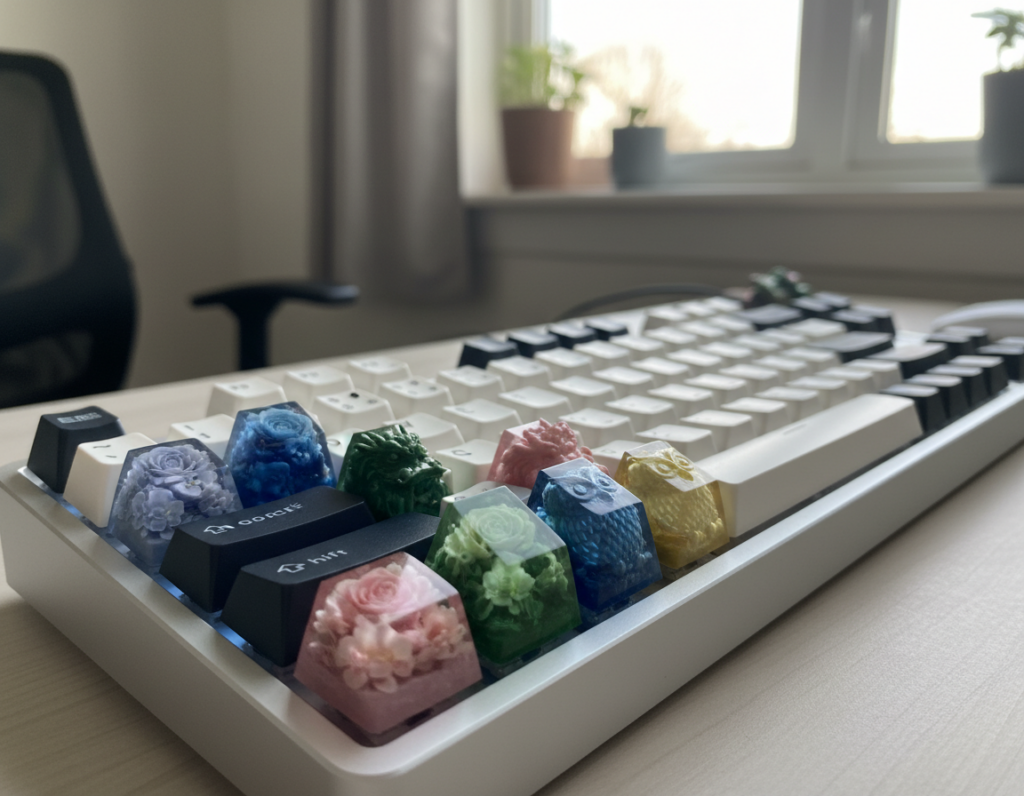
Light mint, blush, and pale lavender open small spaces. A pastel keycap set brightens a compact room while staying subdued. Mintlodica offers several pastel sets across DSA, DSS, and Cherry profiles.
Monochrome and low-contrast sets for maximum simplicity
Near-black, off-white, or tone-on-tone legends reduce distraction. These choices work best with neutral desks and cooler lighting temperatures.
- Quick picks framework: pick vibe, then confirm profile, bottom-row options, and Mac modifiers.
- Match materials: pair color to wood, white laminate, or metal finishes for cohesion.
- Check the product listing: verify included items before you buy a keycap set.
Featured brand spotlight: Mintlodica keycap sets for minimalist desks
Mintlodica crafts cohesive colorways and offers multiple profiles so your keyboard keeps a calm look and a tailored feel.
Why consider this product line? Mintlodica focuses on matched modifiers and clean legends. That consistency improves perceived quality and the overall touch of a keyboard.
DSA, DSS, and Cherry profile options for different typing preferences
Choose DSA or DSS for flatter rows and uniform rhythm. Pick Cherry profile if you want sculpted keys and a classic typing experience.
Choosing between soft pastels and sophisticated muted tones
- Soft pastel set: brightens a white or compact space without adding clutter.
- Muted tone set: pairs well with walnut tops and black or graphite finishes.
- Buying tip: check the product page to confirm included keys, bottom-row support, and layout compatibility before you buy.
- Quality check: ensure color matching across alphas and modifiers and crisp legend alignment.
Mintlodica’s sage green pick keeps a restrained palette while adding a subtle, distinctive touch. It makes a cohesive set that fits many work areas and enhances typing experience.
Top minimalist product pick: Sage Green Keycaps (2024)
Sage Green Keycaps stand out in 2024 as a calm, modern pick that balances tone and build. This product pairs a restrained colorway with practical construction aimed at everyday use.
Materials and build
The set uses premium pbt plastic with durable texture. That material reduces shine and keeps color stable over time.
Thickness and acoustics
At 1.75mm thickness, these caps add weight and deepen typing sound. Thicker pieces feel firmer under the fingers and improve perceived quality.
Legends and durability
The listing notes laser-etched legends that resist fading. Confirm the legend method on the product page if multiple print options are mentioned.
Ergonomics and profile
The ergonomic cherry profile supports long sessions and mixes comfort with quick actuation. This profile suits both productivity and casual gaming.
Compatibility and keys included
This 148-key set supports ANSI, Tsangan, HHKB, Mac, and 1800 layouts. It fits full-size, TKL, 75%, 70%, 65%, and 60% keyboard sizes, but double-check bottom-row and modifier sizing before placing in cart.
Value and pricing notes
Listed shipping: free over $50, otherwise $8.99; express $12.99. The page shows a conflicting “CLEARANCE SALE 50% OFF” with “Regular price $56.50” and “Sale price $112.99″—verify the on-page details before purchase.
- Why buy: calming color, premium pbt material, and broad layout support.
- Check before you buy: confirm legend method, bottom-row compatibility, and current sale price.
- Returns: 100-day guarantee offers added confidence on this product.
Compatibility checklist before you add a keycap set to cart
Before you click Add to Cart, run a short compatibility pass. A few quick checks stop common fit problems and reduce returns.
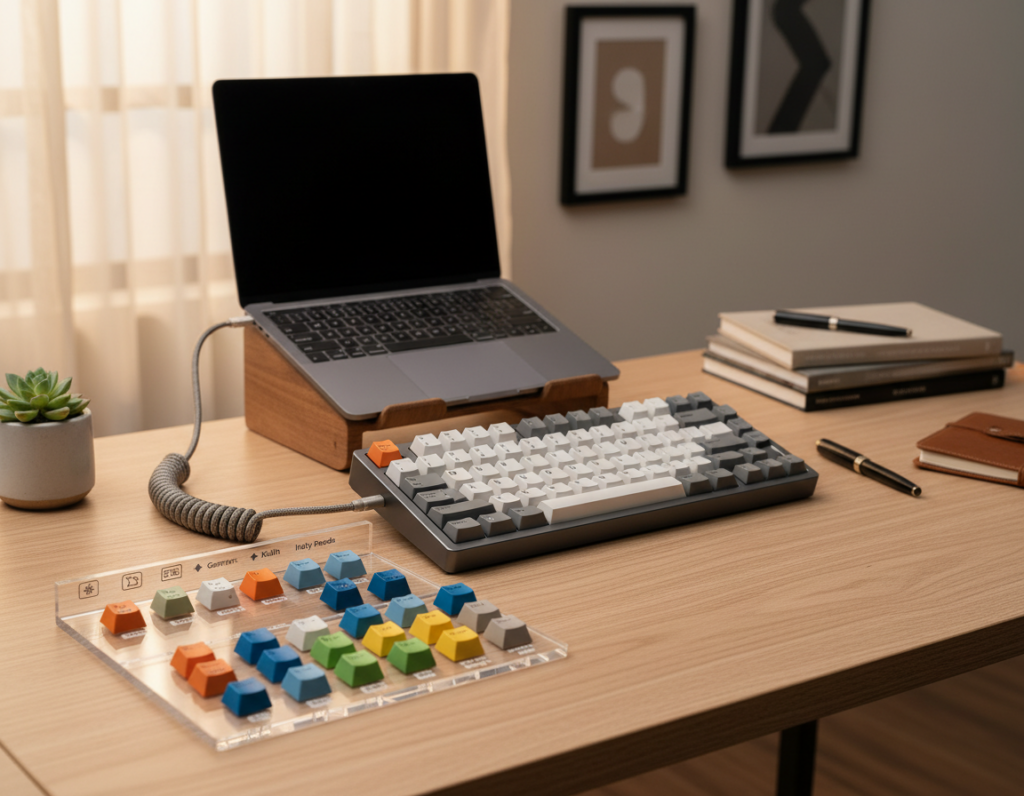
Confirming Cherry-styled switch support
Why this matters: Cherry-styled switch support means the product mounts to the common cross-shaped stem used by most mechanical switches. If your keyboard uses that stem, the item will snap on securely.
Tip: If you use uncommon switches, stop here and confirm stem type before proceeding.
Matching layout and bottom-row needs
Check whether the set lists support for ANSI, Tsangan, HHKB, Mac, and 1800 layouts. Each layout can need unique modifier sizes. The Sage Green Keycaps listing includes 148 keys, which often signals extra pieces for multiple layouts.
“Compare your keyboard’s bottom-row widths to the set’s included keys—this is the most common source of mismatch.”
- Count the keys your keyboard uses and match that to the included keys list.
- Compare bottom-row modifier widths (Ctrl, Alt, Space) to the product diagram/photo.
- Verify stabilizer sizes for long keys like Enter and Backspace.
- Confirm the product image shows the exact legends and modifier legends you need.
Final check: “Fits many sizes” can be true but not perfect. Always review the included keys diagram or photo before adding to cart to avoid surprises.
Price, sale, and shipping considerations for US shoppers
Track total cost beyond the sticker: factor included parts, materials, and compatibility extras when judging value.
Evaluate price by package: compare key count, layout extras, and material quality rather than just the listed number. A higher price may include extra keys that save you from buying add-ons later.
Sale and sale price: ecommerce listings often show a marked sale price with a crossed-out regular price. Confirm the current sale price on the product page at checkout — promotions can change quickly and clearance language can mean limited stock or limited time.
Free shipping thresholds vs flat-rate and express options
Shipping options here: free shipping on orders over $50, otherwise $8.99; express upgrade $12.99. Bundling small items can help you hit the free threshold and lower total cost.
Return rules and refund timing to verify
Check the full return policy on the site. Note the 100-day window, any condition rules, and whether you must pay return shipping. Refunds are processed within five days after the seller receives the return.
- Screenshot the listed price, sale details, and shipping estimate at checkout.
- Compare what the product or set includes before judging value.
- Use bundle tactics to meet free shipping when practical.
For more buying basics, see this quick guide on how to buy keycaps.
Browse smarter: filtering keycaps by availability, price, and product type
Facing a giant catalog—like a page showing 1,073 products—can tire your judgment fast.
Start with a simple filter order: set availability first, then lock a price range, pick a brand, and finally choose product type. This sequence narrows results quickly and prevents decision fatigue.
Using shop filters to narrow large lists
Use the price slider to align results with your budget before you fall for a color or style. That keeps shortlists realistic and saves returns later.
Note: selecting filters may trigger a full page refresh. Open promising product pages in new tabs so you can compare sets side-by-side without losing your place.
“Choose a shortlist of 3–5 product pages, then compare specs and price before adding to cart.”
If you see a page blocked message, browser extensions often interfere with storefront scripts.
- Try disabling extensions that block ads or scripts, then reload the page.
- If that fails, try disabling other extensions temporarily and reload.
- Proceed to checkout with extensions off if a blocked extension blocked the page.
Smart browsing checklist: filter → shortlist 3–5 products → confirm compatibility → compare price, sale, and shipping → add to cart.
Conclusion
Upgrading a set often gives the biggest visual and tactile return on a small budget. A modest swap in keycaps can lift a workspace while keeping typing clear and comfortable.
Quick buy checklist, confirm compatibility, choose durable materials and legends, pick a profile you enjoy, then select color and vibe. Prioritize fit and quality over impulse buys.
Compare total price to included keys and compatibility. Watch the listed sale details and verify the final amount at checkout. Factor in shipping and returns when judging value.
Shortlist a set, confirm layout support, then buy when the product matches both aesthetics and performance. The Sage Green keycaps are a strong starting pick for a calm, modern look that pairs broad compatibility with a solid typing experience.