Want a clean, camera-ready desk? This guide offers minimalist keyboard theme ideas to help you build a cohesive setup at home or in the office. A modern workstation favors clean lines, a limited color palette, and a few intentional accessories.
On most desks, the keyboard is a visual anchor. Small choices in keycap legends, finishes, and materials give personality without clutter. This listicle is written for readers in the United States who want practical, easy-to-follow directions.
You will get a curated set of options plus simple guidance for choosing a look that fits your desk, lighting, and daily work style. Themes covered include monochrome, white-on-white, grayscale, earth tones, pastels, and single-accent two-tone.
Minimal does not mean boring. With a few coordinated items — a desk mat, a matching cable, and a case finish — you can create a polished, low-maintenance setup. These picks focus on visual consistency and real-world durability, so fingerprints, dust, and wear stay subtle.
What Makes a Keyboard Theme “Minimalist” in a Modern Workstation
The look of your primary typing tool defines how the desk reads on camera and in person. A pared-back setup uses fewer competing elements, clearer visual hierarchy, and repeated materials to create a calm, focused surface.
Core design principles: restrained color, negative space, and visual consistency
Restrained color means limiting the palette to one to three main tones with a single optional accent. This keeps the desk calm and intentional and prevents small details from fighting for attention.
Negative space is a design tool: cleaner surfaces, uncluttered mats, and simple legends make the unit look lighter and give the eye clear places to rest.
Visual consistency ties finishes and type together. Match sheen levels (matte vs. glossy), coordinate metal tones, and keep legend style uniform so nothing looks out of place.
Theme building blocks: keycap set, case finish, desk mat, and cable choices
Prioritize parts in this order: keycap set first, then case finish, mat, and finally cable. Keycaps set the color story and typography. Case texture and reflectivity—anodized aluminum vs. coated plastic—change how light reads on camera.
- Case finishes: Anodized aluminum looks crisp and low-reflective; coated plastic can feel softer but may show fingerprints.
- Desk mats: Choose solid colors, subtle weaves, and understated borders that support rather than compete.
- Cables: Decide between coiled or straight, neutral tones, or a single accent connector to finish the look.
For step-by-step customization and style examples, see this theme customization guide to plan your purchases intelligently.
Minimalist Keyboard Theme Ideas for Sleek, Modern Desk Setups
A thoughtfully chosen desk set instantly changes how your workspace looks on video and in photos. Below are concise styling options that keep the view calm while adding subtle personality.
Monochrome black-on-black for an understated workstation look
Why it works: Low contrast reduces visual noise and pairs well with most monitors and desk finishes. Matte cases and subtle legends keep reflections minimal.
Pairing: Matte black case, solid dark desk mat, neutral straight cable.
White-on-white for bright, clean “studio” aesthetics
Why it works: Bright surfaces reflect light and read crisp on camera. Expect more upkeep—dust and marks show faster—so choose washable mats and easy-clean caps.
Pairing: Off-white case or silver aluminum, heathered light mat, off-white cable.
Grayscale, earth, pastel, and two-tone notes
- Grayscale gradients add depth; keep transitions subtle and modern.
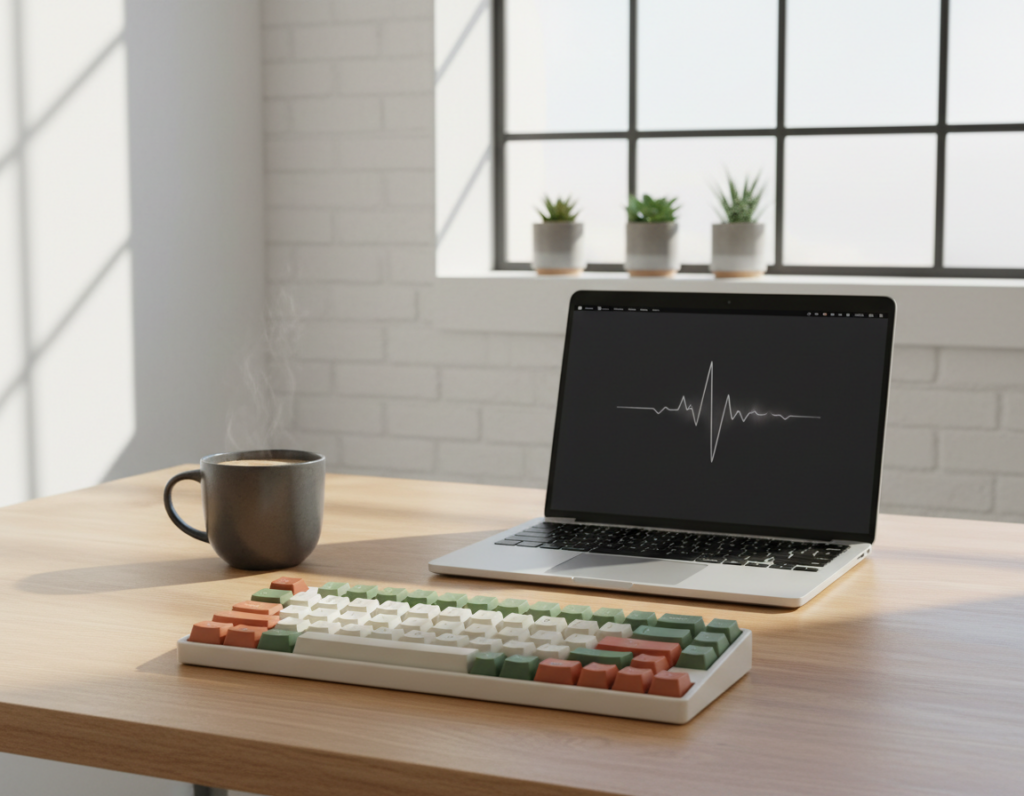
- Muted earth tones (clay, olive, warm gray) warm a home office without clutter.
- Soft pastels with gray or white modifiers add personality while staying restrained.
- Two-tone accents: use a single highlight on Escape or Enter to create a focal point.
Quick rule: Match case finish, mat style, and cable so the keyboard complements the desk rather than competes with lamps or monitors.
How to Match a Minimalist Keyboard Theme to Your Setup
Start by noting your desk and monitor colors; that makes choosing the right finish and legend style much easier. Use that base color to decide whether the unit should blend in or offer a gentle contrast.
Choosing finishes and materials that read clean on camera and in person
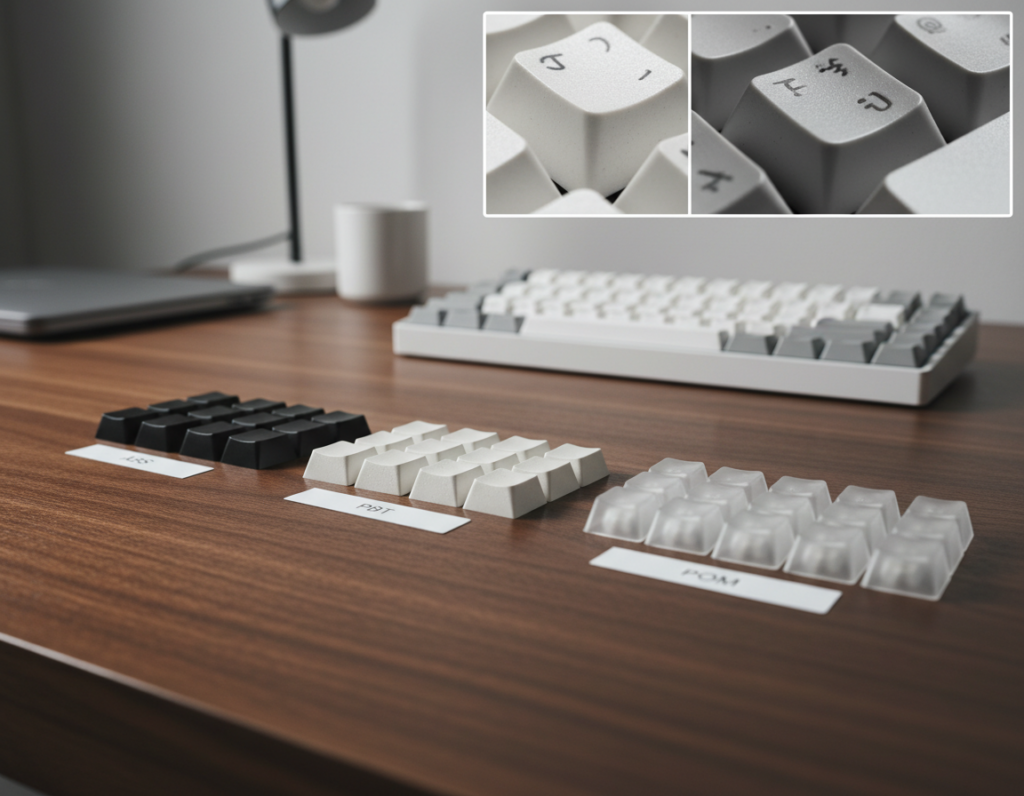
Materials to prefer: anodized aluminum, bead-blasted metal, and muted plastics. These reduce glare and hide fingerprints better than glossy surfaces.
Tip: glossy surfaces and high-contrast legends look louder on video. Matte finishes and subtle legends read calmer on camera and in person.
Lighting and legends: backlit vs. non-backlit, blank caps vs. simple fonts
Use low-brightness, single-color backlighting when you need visibility. Non-backlit setups with blank or simple sans-serif legends appear more consistent in photos and streams.
Layout and form factor choices that keep the desk visually uncluttered
Compact layouts (65% or 75%) reduce footprint and visual noise. Full-size boards can still feel restrained with tidy cable routing and minimal desk accessories.
- Decision flow: start with desk/monitor color → pick blend or contrast → choose finish → select legends and lighting.
- Cable and accessories: route cables under mats, use slim trays, and hide hubs to keep the area tidy.
- Learn more: consult a practical customization guide for step-by-step changes: keyboard customization tips.
Conclusion
Small, consistent choices can turn a busy surface into a polished workspace. Aim for restrained color, intentional negative space, and matched finishes so accessories work together, not against each other.
Options like black-on-black, white-on-white, grayscale, earth tones, soft pastels with neutrals, and single-accent two-tone all suit modern desks. Pick one direction and keep the palette steady to avoid visual clutter.
Practical approach: choose keycaps first, then match the case finish, desk mat, and cable so the keyboard feels integrated. Audit your desk colors, pick a direction, and change one element at a time.
Final note: balance looks with daily comfort—legibility, lighting, and layout should guide the final setup.